Cybersecurity Services

Cybersecurity Assistance & Protection

CyberShieldCare provides remote cybersecurity assistance for individuals across the USA. We help protect you from online threats with patient, step-by-step guidance.

Our Cybersecurity Services

How We Can Help You

Comprehensive remote cybersecurity assistance to keep you safe online. Results may vary based on device condition and software limitations.
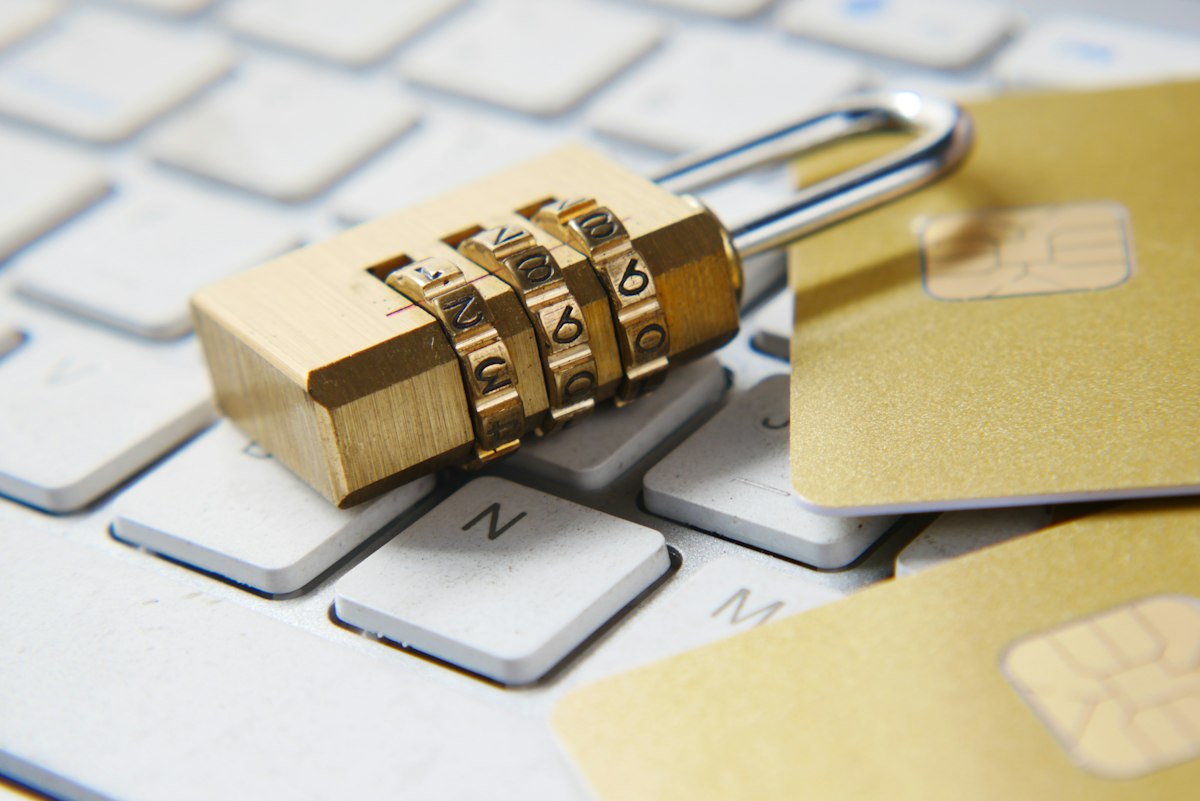
Identity Protection - Digital privacy and identity safety guidance

Identity Protection Guidance

Protect your digital identity with our expert guidance. We help you understand and implement best practices for privacy and account safety, so you can reduce the risk of identity theft and stay safer online.

Privacy and account safety best practices
Recognizing suspicious emails, links, and fake websites
Steps to reduce identity theft risk
Security checklist for home users

Note: We provide guidance and setup support. We do not guarantee prevention of all threats.

Account Recovery - Email and password recovery guidance

Account Recovery Support

Locked out of your email or online accounts? We provide step-by-step guidance to help you recover access, reset passwords, and secure your accounts after recovery to prevent future issues.

Email account recovery guidance
Password reset steps and account recovery options
Securing accounts after recovery
Recovery email/phone verification and safety checks
Password Manager and 2FA Setup - Secure account protection guidance

Password Manager + 2FA / MFA Setup

Strengthen your online security with proper password management and multi-factor authentication. We guide you through setting up password managers, creating strong passwords, and enabling 2-step verification on your most important accounts.

Password manager setup guidance
Strong password creation and organization
2-step verification setup for important accounts
Backup codes and recovery methods guidance
Dark Web Monitoring - Security monitoring and alert setup guidance

Dark Web Monitoring Setup

We can assist with setting up dark web monitoring tools and explain alerts so you know what to do next. Stay informed about potential data exposure and take recommended action to protect your accounts.

Setup guidance for monitoring tools
Understanding alerts and recommended actions
Password reset + account security improvements
2FA setup for affected accounts

Note: Dark web monitoring does not prevent breaches. It provides awareness and recommended security actions.

Social Media Protection - Account security and privacy settings guidance

Social Media Protection & Safety

We help you improve social media account security and privacy settings. From Facebook and Instagram to X and LinkedIn, we guide you through strengthening your online presence against unauthorized access.

Account security settings review (Facebook/Instagram/X/LinkedIn)
2FA setup for social accounts
Privacy settings & login alert guidance
Removing suspicious connected apps (when possible)

Note: We provide independent guidance and are not affiliated with any social media platform.

Online Banking Safety - Secure banking and shopping guidance

Online Banking & Shopping Safety

Protect your financial information when banking and shopping online. We help you configure safer browsing settings, enable account alerts, and follow best practices for secure digital transactions.

Safer browsing settings for online banking
Payment safety best practices
Account alerts and security settings guidance
Avoiding fake shopping sites and scams

Important: For any unauthorized transactions, customers should contact their bank or card provider immediately.

Scam Awareness - Phishing and online scam prevention guidance

Scam Awareness & Prevention Support

Stay safe from online scams, phishing emails, and deceptive pop-ups. We provide awareness guidance and practical tips to help you recognize and avoid common digital threats before they cause harm.

Phishing email awareness guidance
Pop-up scam awareness and safe next steps
Tech support scam prevention tips
Safe browsing and download guidance
Spam Protection - Email safety and inbox security guidance

Spam Protection & Email Safety

Take control of your inbox with our email safety guidance. We help you configure spam filters, block unwanted senders, and implement best practices to keep your email secure and free from clutter.

Spam filter configuration guidance
Blocking unwanted senders
Safe unsubscribe practices
Inbox security improvements
Malware Protection
What We Help With

Common Security Issues We Address

Our cybersecurity team helps you tackle the most common digital threats and security concerns that affect home users.

Computer running suspiciously slow
Unexpected pop-ups and advertisements
Browser homepage changed without permission
Suspicious programs appearing
Worried about online account security
Need guidance on safe browsing practices